Calendars
The calendar allows you to plan things in time. And to record events that will happen.It also allows you to view at a glance how things are arranged in time.
Calendars are populated by calendar events, which belong to calendar streams.
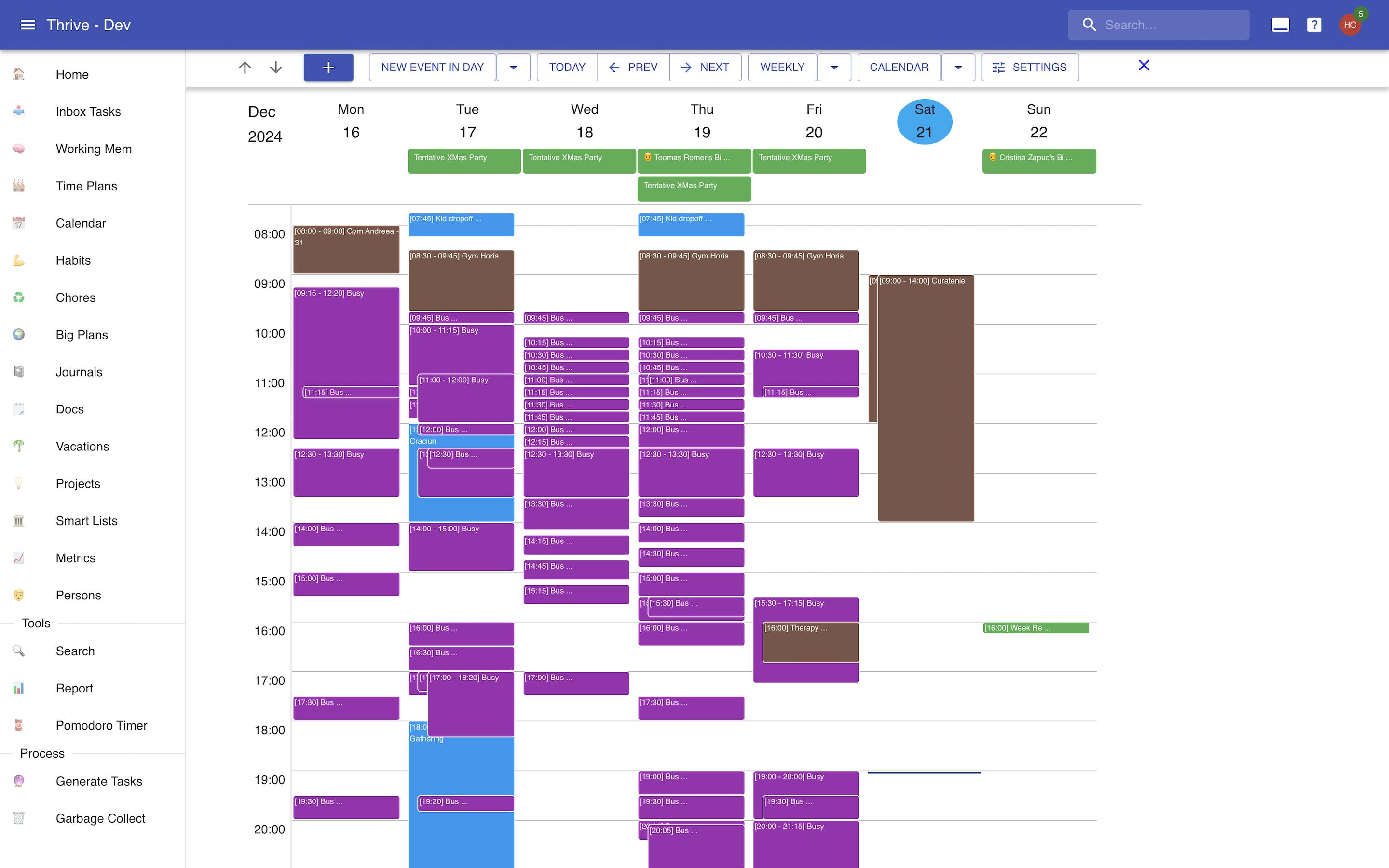
Here's how a calendar might look like:
Calendar Events
Calendar events are the atomic units of time planning and time recording.They live in the "calendar". They can be "full day" or "in day".
Events Properties
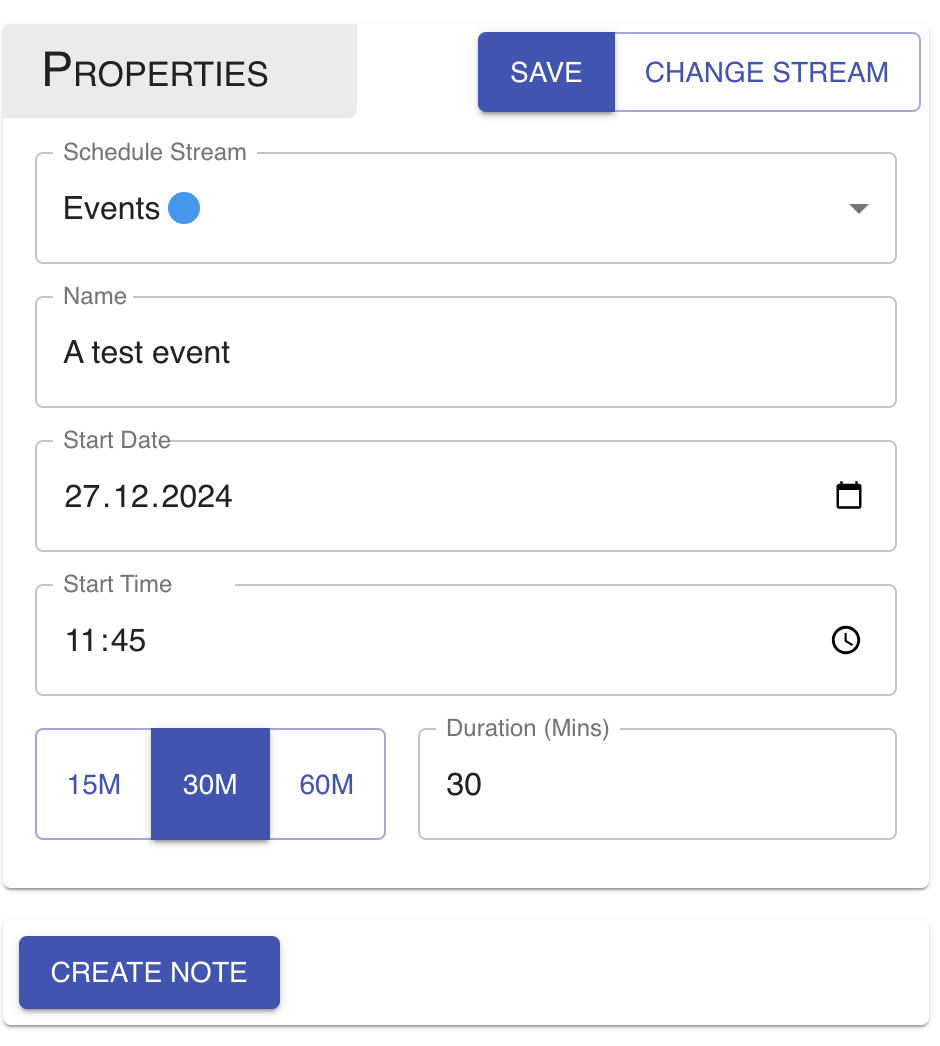
Calendar events have a name, and some notion of duration. Full day events start on aparticular day, and last 1 or more full days. In day events start on a particular dayand time, and last some amount of time, no greater than 48 hours.
Editing a calendar looks like this:
Sources Of Calendar Events
Events can exist on their own, or they can be generated by some other entity.
You can attach many calendar events to a single inbox task. The inboxtask is their source. The events are "in day", and their name is identical to the inboxtask that generates them.
Each birthday for a person generates a full day event on the respectivebirthday in that year.
Finally, each vacation has a full day event for the full durationof the vacation.
Calendar Streams
Calendar streams are containers of events. You can use them to group various typesof events together. They can contain both full day events and in day events.
There are two types of calendar streams:
- User: created and managed by you.
- External iCal: created and managed in another tool (such as Google Calendar, Outlook, etc.) and imported into Thrive via an iCal feed.
External calendars are just a read only view of the original calendar. So you cannotcreate or modify calendars there.
Streams Properties
Calendar streams have a name and a color. For external calendars only the color canbe modified
Schedule Exports
Schedule exports let you publish one or more calendar streams as an external iCal feed.
Each export has:
- a name;
- a set of selected calendar streams;
- a public external URL generated by Thrive.
The external URL can be used by other tools (Google Calendar, Apple Calendar, Outlook, etc.) to subscribe to the feed.
When a client calls this URL, Thrive returns an .ics calendar that contains:
- one calendar for the export;
- one event for each event in each selected stream (both in-day and full-day events).
This endpoint is designed for read-only sharing. Anyone with the link can read the exported schedule.
The Calendar
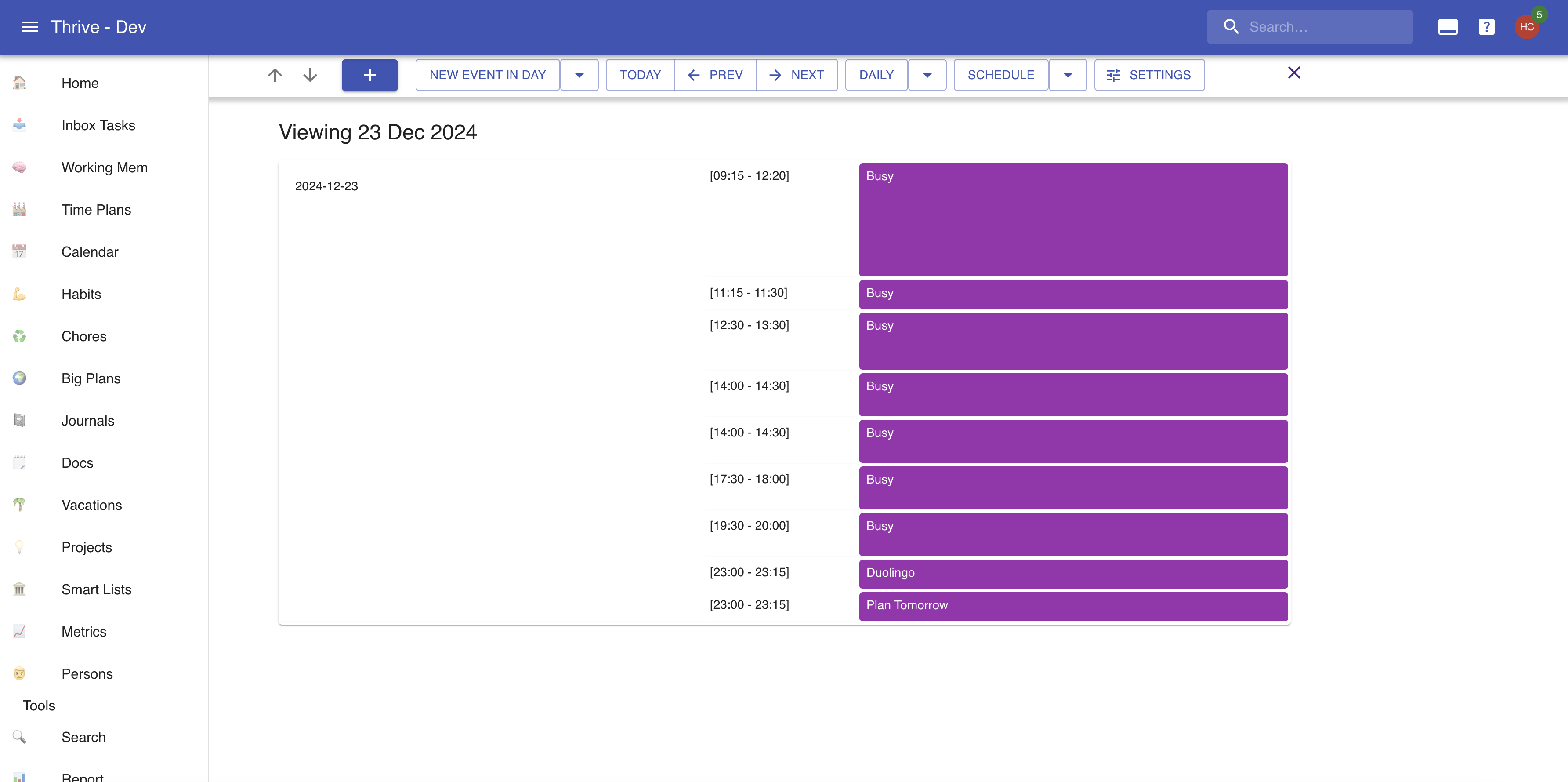
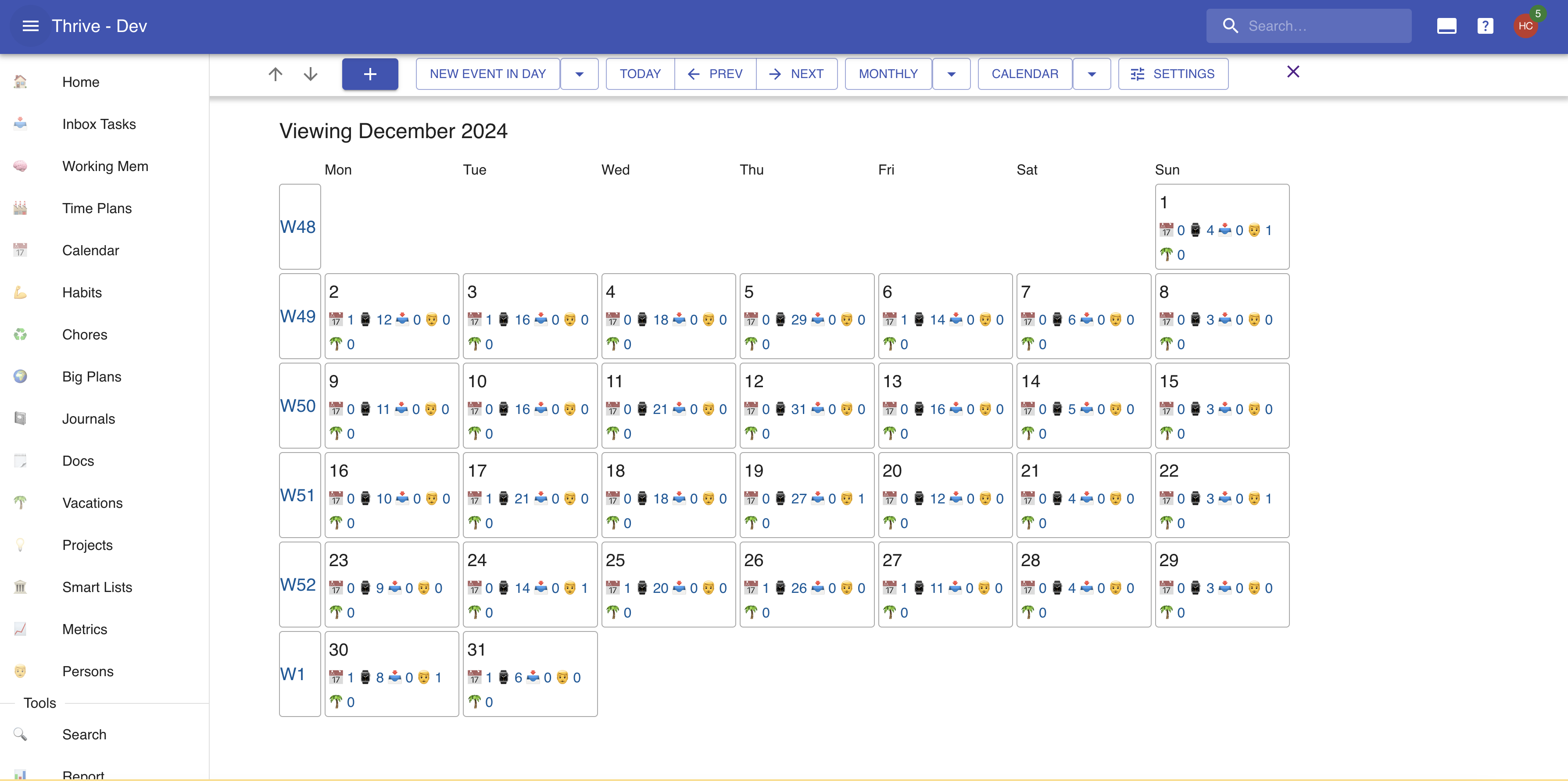
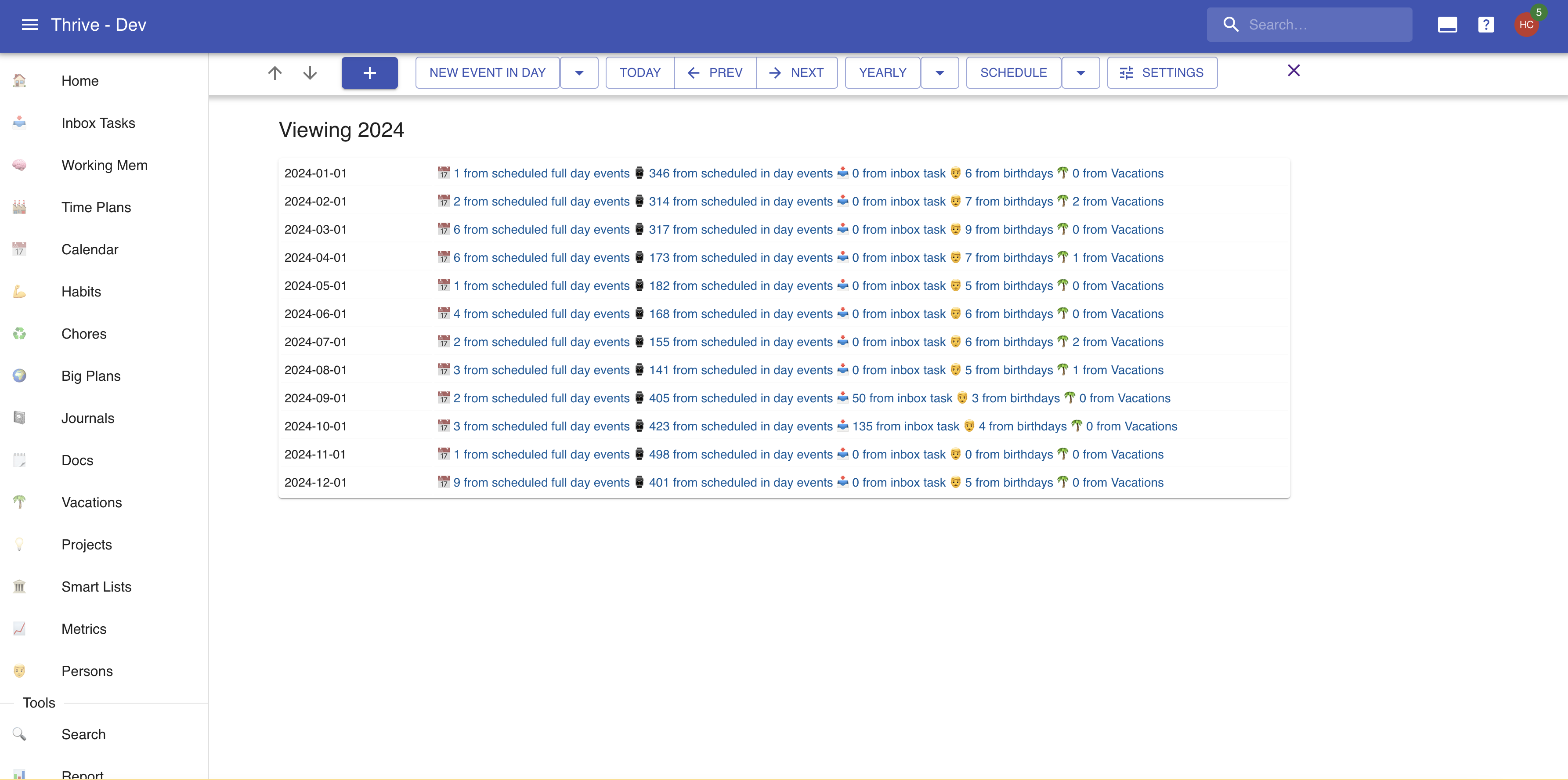
The calendar is a representation of your current events. You can view it as a schedule,or as a traditional calendar. You can zoom in and out to the typical resolutionThrive has: day, week, month, quarter, and year.
Here's a peek at some views: