Feature Flags
Thrive can be quite overwhealming with its feature set and the various interaction modes betweeneach feature. At the same time, not everyone needs everything from the tool. Some might use itprimarily for short term work, others to plan out their life, while still others might focus ontracking and recording things.
To account for this, the feature set visible for a user in workspace can be configured.Thus you can customize your Thrive experience, and keep only the features you need.And of course, you can add and remove features at any time.
Indeed, the backing data is never lost. If you disable a feature, then all its associated dataand the various UIs and commands are hidden. When you re-enable it, you'll see the data again.
Conversely, no new data is generated via such processes as generation orgamification. Nor is data modified via other processes like garbage collection.
User Feature Flags
In the Web UI user-level flags live under Account and currently look like:
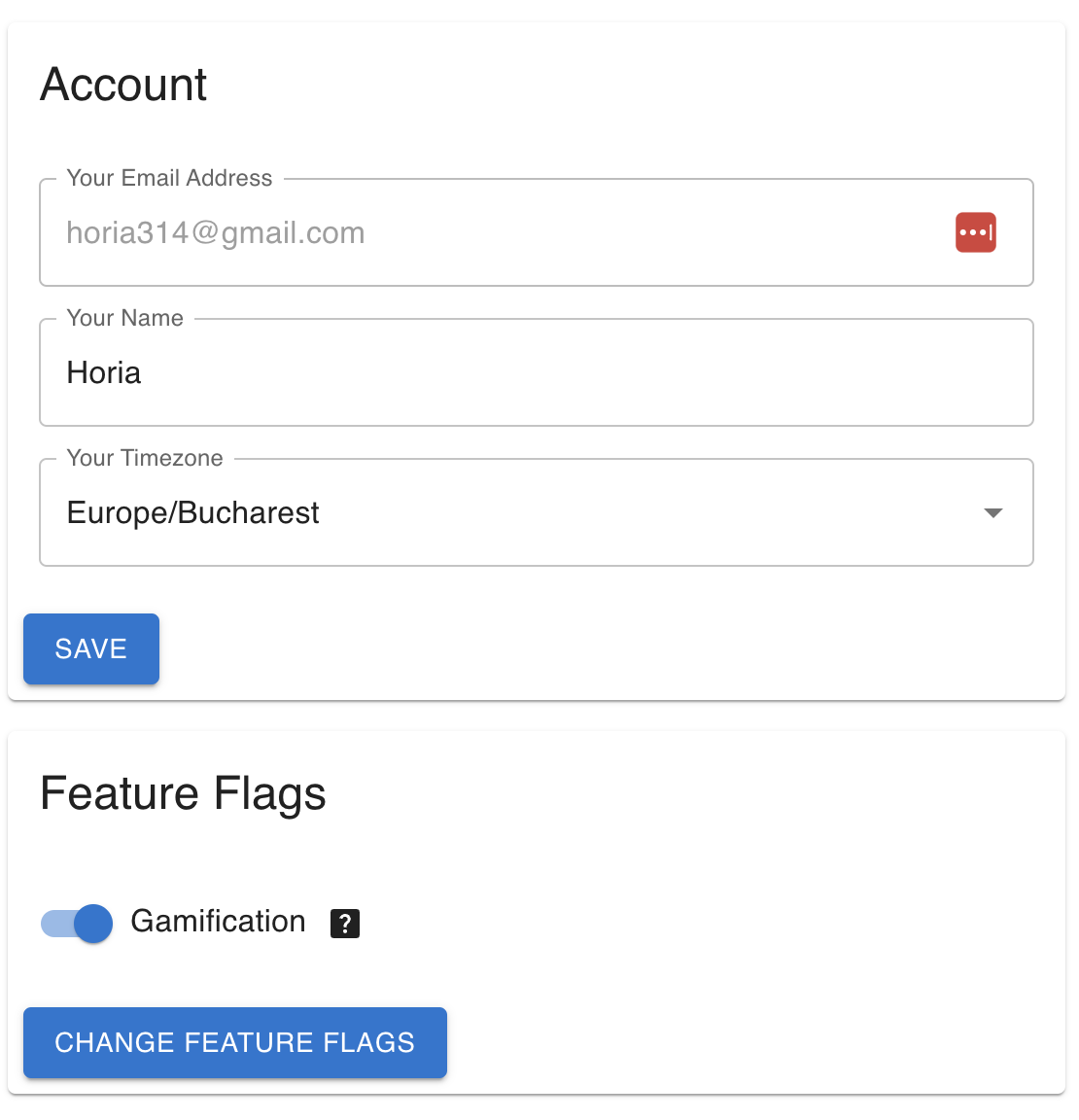
In the CLI you can view the user feature flags with user-show and change them
viauser-change-feature-flags.
Workspace Feature Flags
In the Web UI workspace-level feature flags live under Settings and currently
looks like:
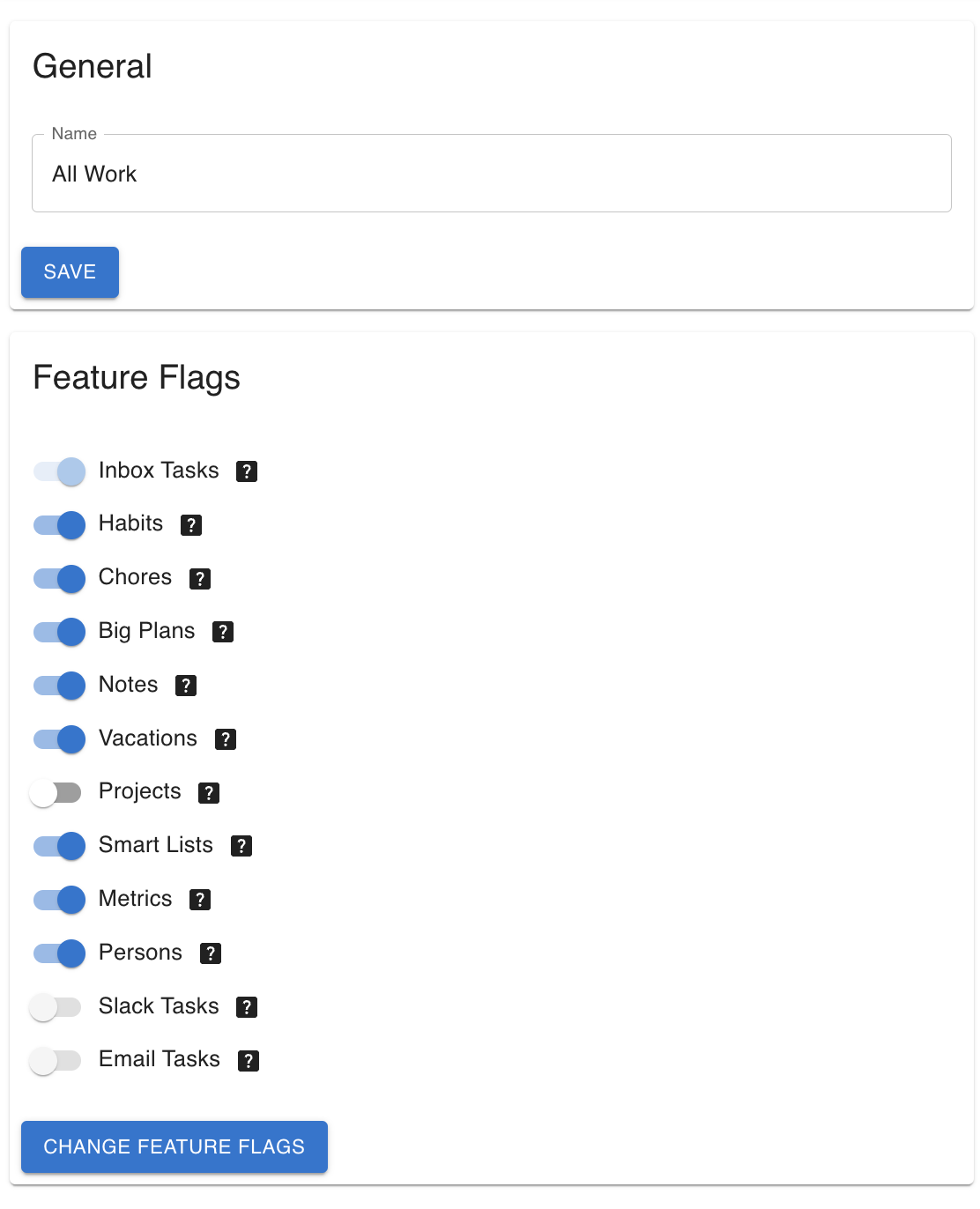
In the CLI you can view the workspace feature flags with workspace-show and
change them viaworkspace-change-feature-flags.