Home Page
By default Thrive will start in the "home page". This is a part of the applicationthat allows a quick glance at very many aspects of your workspace.
Presently, the home page consists of a number of tabs that in turn compriseof a number of widgets. You can configure both the tabs and widgets in themin very many ways.
A typical example of a home page might look like:
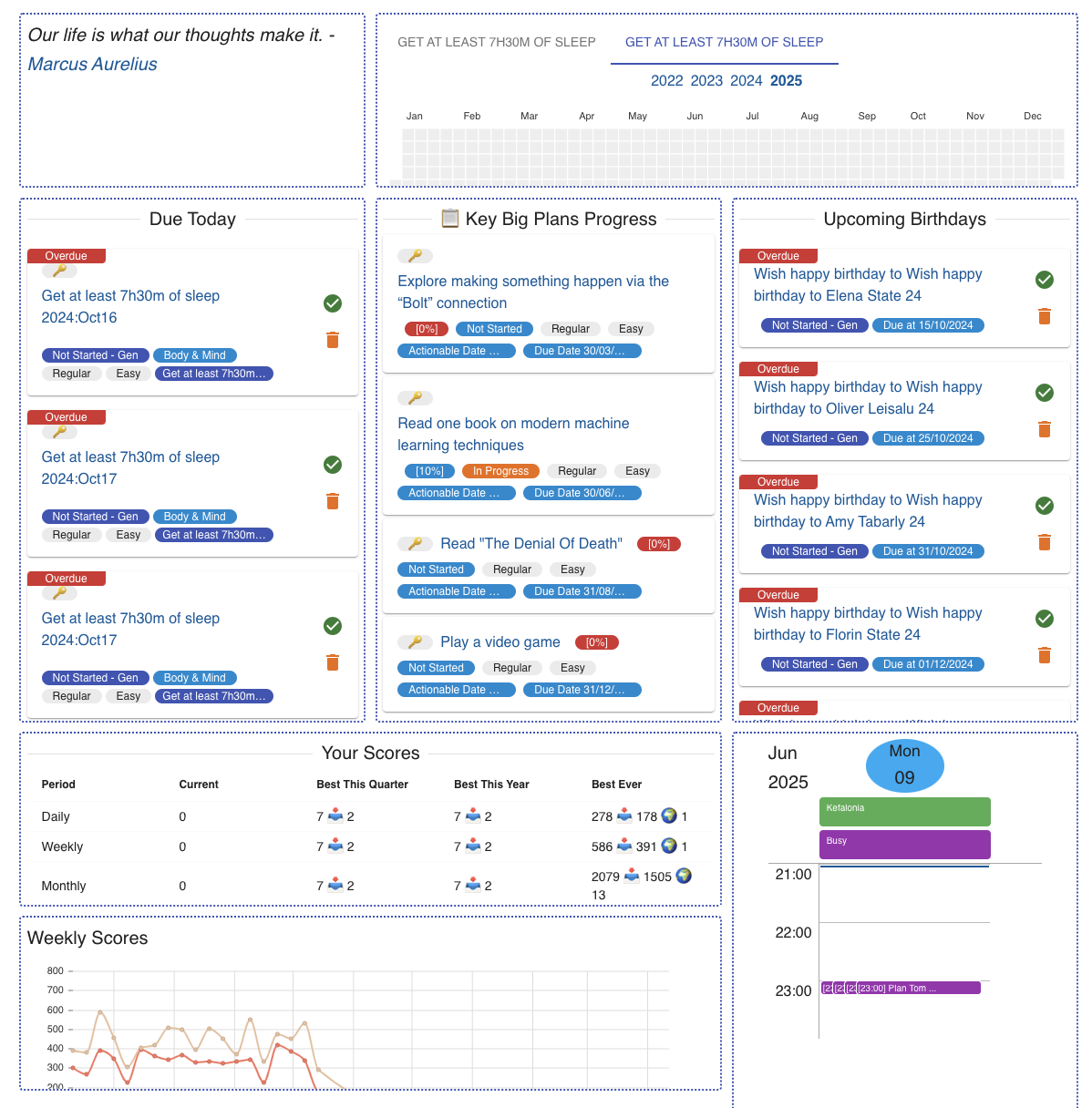
The top-level things to define are tabs. You can have big screen or_small screen_ tabs, to account for the various ways of viewing information.
Within a tab you can add widgets. Big screen tabs have a grid-likeplacement of
3 columns and many rows. Small screen tabs have a singlecolumn-like placement
with many rows.
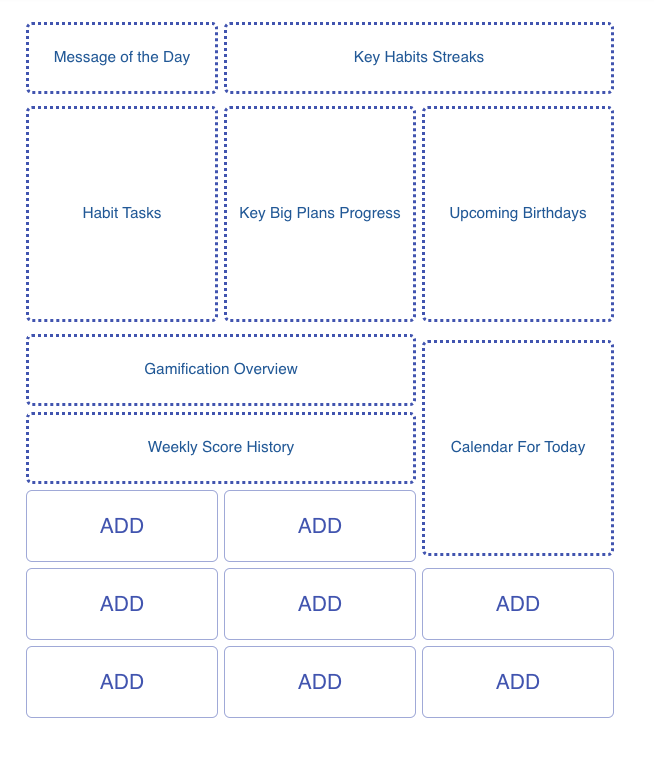
There are many types of widgets, and more are constantly added. Some examplesare:
- Message of the day
- Overview of habit streaks
- Today's calendar or schedule
- Quick links to time plans
- A random chore to do
- And many more ...
Each widget you place has a certain position and occupies a certain sizein terms of cells in the grid. The widget type determines the size, witheach having several options, depending on the size of the screen.
Placed widgets can also have some configuration attached to them, suchas what and how to show. This allows for extra customisation, makingeach placement of a widget unique.
Some sizes are marked as kx1 or similar. These will spread to occupyas much
room as there is in the column/s that the widget takes. You cannotplace any
other widgets underneath them.
This is only available in the surfaces that have a large GUIinterface - the Web App, desktop apps, mobile apps, and PWAs.