Installation
Web Application
The simplest way to use Thrive is by using the web application.If this is the first time you're visiting you'll be prompted to create an account.
By using the web application you will be running inglobal hosted mode. You can access the web app in self hosted mode too.
Desktop App, Mobile Apps, PWA
You can download the desktop app, mobile apps, or install a PWA for desktop (MacOS) andmobile (iOS and Android) too.
MacOS Dmg Local
For MacOS, a simple way of installing the Thrive CLI is via a dmg archive
publishedtogether with a release. You can check themin the release
page.
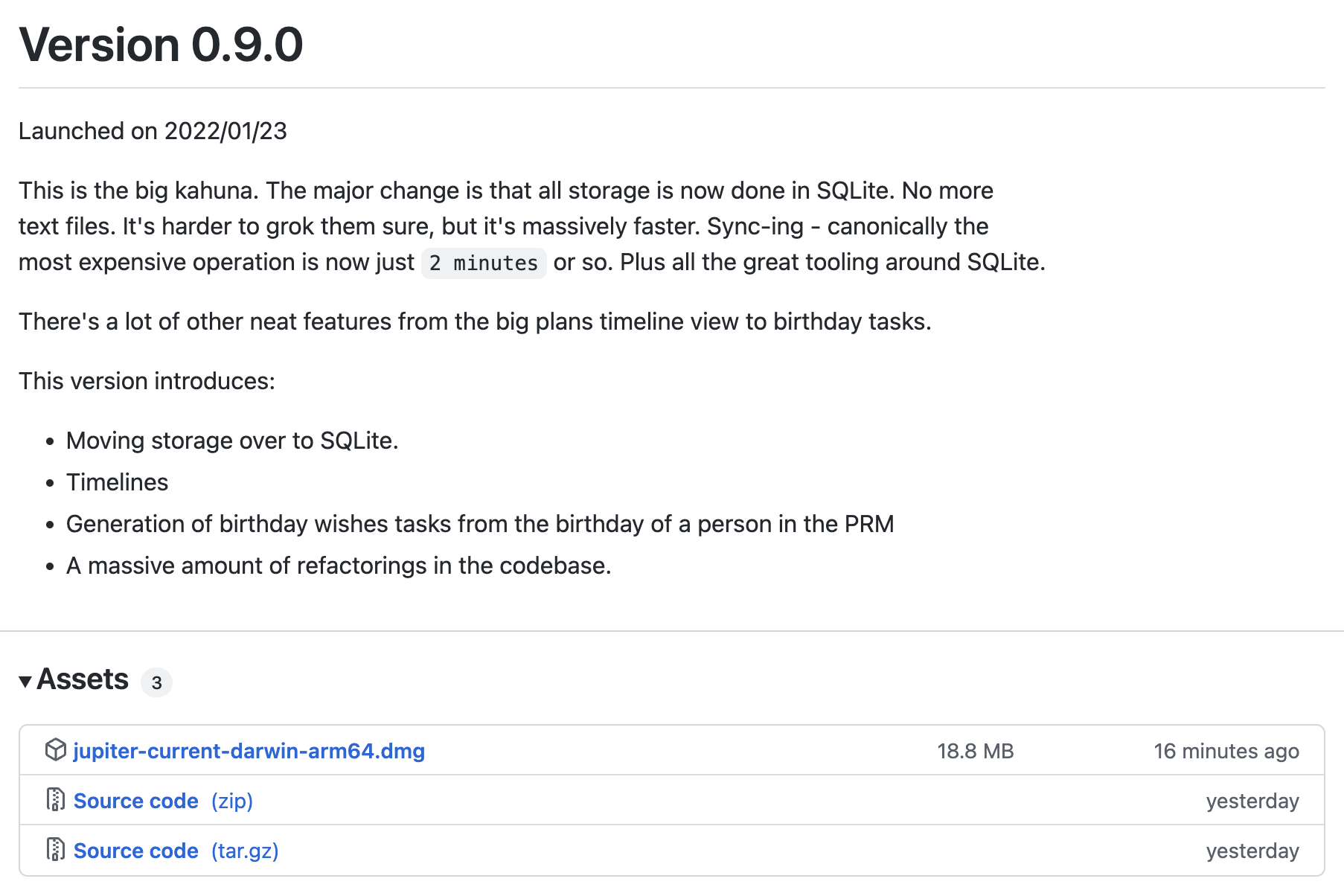
You can then download and install it into your Applications folder by dragging
and dropping itlike any other application.
Invoking this is a bit tricky however:
mkdir my-thrive-work-dir # A dir where you manage local Thrive data.
cd my-thrive-work-dir
/Applications/Thrive.app/Contents/MacOS/thrive init --help
You can of course add an alias to your shell about it.
By using this approach you will be running in local mode.
Self-Hosting
If you want to run Thrive in self hosted mode, check out the self hosting guide.